1. Collect a reliable source menu
Collect the current menu, price changes and any separate drinks lists. Choose someone to resolve questions about recipes, quantities and prices. This prevents conflicting details from several files carrying over into the new menu.
2. Organise categories around guests
Use recognisable groups such as starters, mains and drinks. A café might begin with breakfast, cakes and coffee. Sizes and extras can belong to the relevant product as options where that reflects how you sell them.
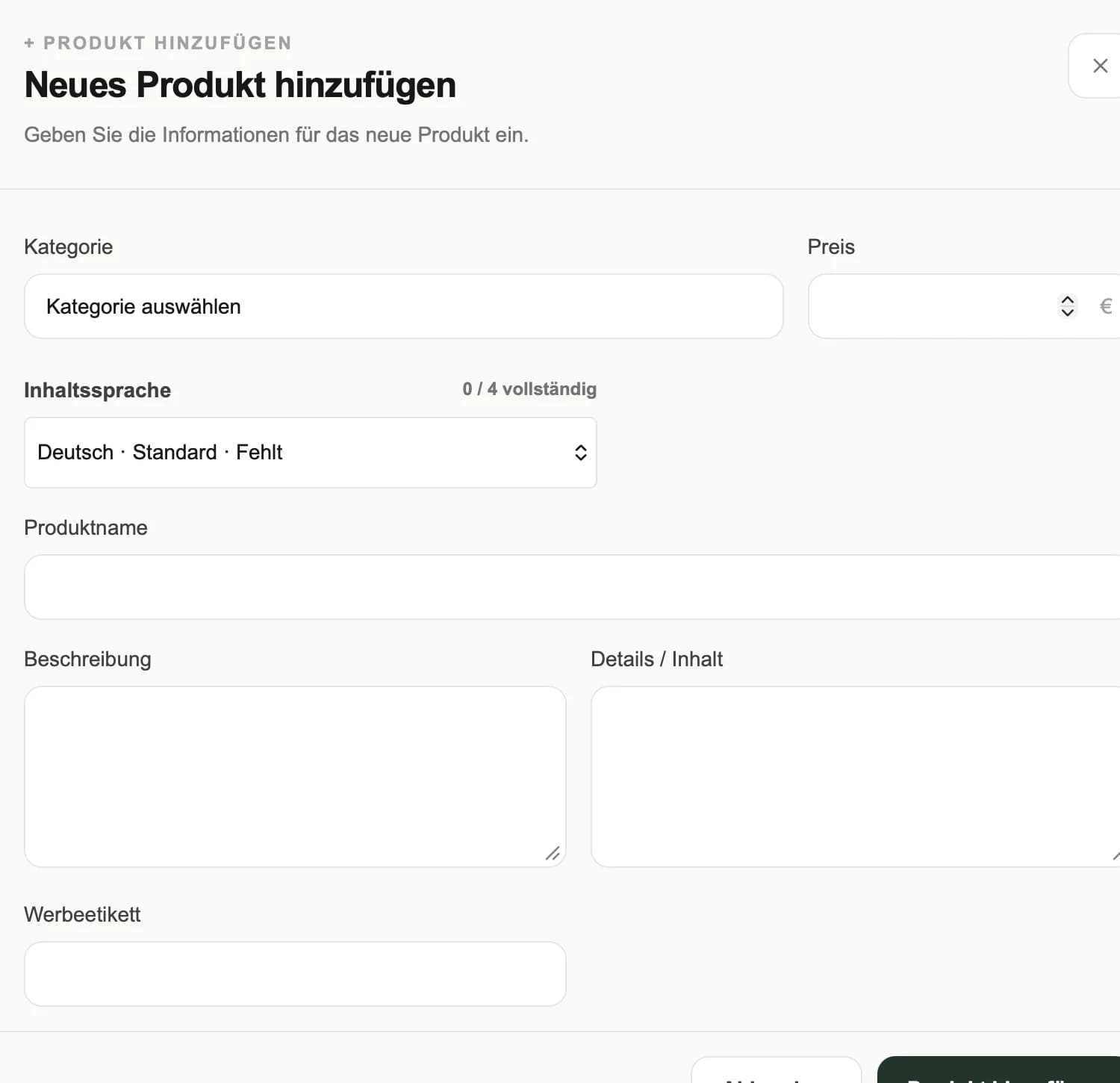
3. Prepare complete product entries
Enter names, descriptions, prices and suitable images. Compare options and surcharges with the source menu. Have responsible staff check ingredient and allergen details; a form cannot verify a recipe.
4. Review design and languages
Choose a design and the languages agreed for your package. Open each version on a phone. Check long product names, image crops, prices and everyday readability. Menu entry and translation services can be agreed separately.
5. Test the QR code and assign maintenance
Test a printed sample in the dining area first. Before launch, decide who updates prices, handles sold-out items and reviews translations. A short check before service turns setup into a dependable routine.
Already know what your venue needs?
Talk about your menu →